

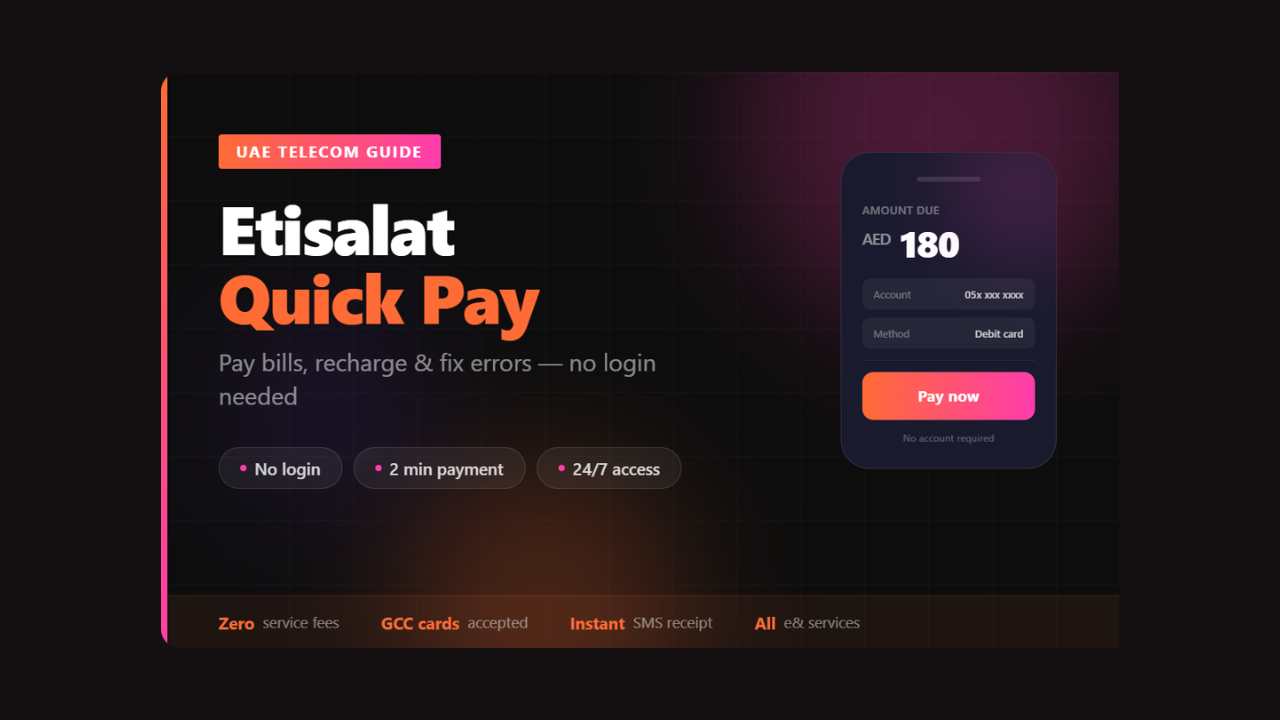

If your Etisalat bill is due in the next hour and you’re stuck in a meeting, you don’t need to open an app, remember a password, or find an ATM. Etisalat Quick Pay lets you clear it in under two minutes from your browser. That’s the whole point — and once you understand every corner of how it works, you’ll never go back to queueing at a service center.
- What Etisalat Quick Pay Actually Is (and What It Isn’t)
- Every Way to Use Etisalat Quick Pay — Ranked by Speed
- 1. Official Website (Fastest for Most Users)
- 2. The e& Mobile App
- 3. SMS Payment (When You Have No Wi-Fi)
- 4. ATM and Cash Deposit Machines
- 5. Phone Payment via IVR
- 6. Exchange Houses and Bank Counters
- The 15% Bonus Credit — Don’t Leave It on the Table
- What Services Etisalat Quick Pay Covers
- Common Problems and How to Fix Them
- Security: What’s Protected and What You Should Watch For
- Setting Up AutoPay to Skip Quick Pay Entirely
- Etisalat Quick Pay for Business Users
- Frequently Asked Questions
This guide covers everything: the official website steps, the mobile app route, lesser-known payment channels, the 15% bonus credit most users miss, what to do when a payment fails, and how business customers handle multiple lines without losing their minds.
What Etisalat Quick Pay Actually Is (and What It Isn’t)
Etisalat Quick Pay is a no-login payment tool built into the official e& UAE platform. It allows you to pay bills or recharge prepaid accounts without entering a username or password. You only need your mobile number or account number — nothing else.
Etisalat, now known as e& since 2022, is a leading telecommunications company in the UAE, established in 1976 in Abu Dhabi. It was among the first in the region to introduce 5G technology. The rebranding hasn’t changed how Quick Pay works — the service runs the same way it always has, just under a refreshed brand identity.
What it is not: it’s not a digital wallet, not an account dashboard, and not a subscription manager. It handles one thing — getting money from your card to your account, fast. For anything more complex, like managing your eLife TV package or switching plans, you’ll need to log in to the full My e& portal.
Etisalat serves 11.6 million UAE customers and 159 million subscribers across 16 countries. The sheer scale explains why they built a frictionless payment path that works without any account history — millions of people just need to pay a bill without navigating an entire portal.
Every Way to Use Etisalat Quick Pay — Ranked by Speed
1. Official Website (Fastest for Most Users)
This is the quickest route if you’re on a laptop or desktop.
Go to the official e& UAE website and look for the Quick Pay section on the homepage. The layout is straightforward:
- Enter your mobile number, landline number, or eLife account number
- The portal displays your outstanding balance
- Enter the amount you want to pay (or pay the full bill)
- Choose your payment method — credit card, debit card, or e& Money wallet
- Enter your card details (number, expiry, CVV)
- Confirm, and the transaction clears instantly
You will receive an SMS and email confirmation within seconds after payment. Only credit and debit cards issued in the UAE or GCC are accepted for online payments. If you’re holding a card from outside the GCC, this route won’t work — scroll down to the section on alternative payment channels.
One practical note: if you’re unsure whether a payment went through, check your bank balance to see if the amount was debited before trying again. Double-submitting is a surprisingly common frustration.
2. The e& Mobile App
The Etisalat UAE app, also called the e& app, is available on both the Apple App Store and Google Play Store.
The app version of Etisalat Quick Pay adds one practical advantage over the website: you can save your card details for faster repeat payments. If you pay every month, this alone makes the app worth using. The navigation path is: open the app → find the Quick Pay or Easy Pay section → enter your number → select postpaid bill, prepaid recharge, or broadband renewal → complete payment with your saved or new card.
3. SMS Payment (When You Have No Wi-Fi)
You can also pay your Etisalat bill easily through the SMS notification you receive after your bill is generated. The link usually leads to Etisalat’s Quick Pay or payment portal with your bill reference already pre-filled.
This is the most underused channel. When your monthly bill arrives by SMS, there’s a payment link embedded in the message. Tap it, and the portal opens with your account already populated — you just add card details and confirm. No typing account numbers, no searching for the website.
4. ATM and Cash Deposit Machines
Over 100 electronic payment machines (EPMs) are located across all seven emirates of the UAE. These machines accept both cash and card payments. Bank ATMs also support Etisalat bill payments through the telecom/utilities section.
This channel matters for one specific group: people who prefer handling finances in cash. If that’s you, look for CDMs (Cash Deposit Machines) at major banks — you don’t need a bank account to use them for Etisalat payments.
5. Phone Payment via IVR
By calling the official e& Customer Service (101 from an Etisalat number), you can use the Interactive Voice Response system to settle your dues securely. This is a great alternative if the e& Quick Pay portal is under maintenance. Calling 125 works from any other UAE number.
6. Exchange Houses and Bank Counters
Money exchange houses, including Al Ansari Exchange, Al Fardan, and UAE Exchange, accept Etisalat UAE bill payments. Simply provide your account number, pay the amount, and keep your printed receipt. Bank branches during working hours are another option.
These methods suit residents who handle multiple utility payments in one trip.
The 15% Bonus Credit — Don’t Leave It on the Table
If you recharge AED 50, you get AED 7.50 free credit, so you have AED 57.50 to use. This bonus applies to prepaid recharges made through the Quick Pay channel and is one of the most consistently overlooked perks.
The mechanism is straightforward: Etisalat periodically runs bonus credit promotions on online recharges. The percentage varies, but 15% has been a common figure on standard recharges through the digital channel. Recharging at an exchange house or by calling 101 doesn’t always qualify — digital recharges via the website or app tend to carry the promotional credit.
Check the promotions section of the e& website before you top up. If there’s an active offer, the bonus is applied automatically at checkout.
What Services Etisalat Quick Pay Covers
The service handles far more than just mobile bills. You can use Etisalat Quick Pay for:
- Postpaid mobile bill payment
- Prepaid number recharge (AED 1–300 per transaction)
- eLife internet and TV subscription renewal
- Landline bill payment
- Business account payments
- Device installment plan settlements
Businesses benefit from Etisalat Business Quick Pay, which includes advanced payment management, subscription control, and expense tracking through a dedicated portal with secure login. Individual users don’t need any login, but business accounts do require registration on the B2B portal to manage multiple employee lines under one company profile.
Common Problems and How to Fix Them
Payment declined despite the correct card details
The most frequent culprit is a card issued outside the UAE or GCC. If you are a tourist or new resident using a foreign credit card for Etisalat Quick Pay, this restriction applies. The workaround: use an exchange house, pay via ATM with a local debit card, or call 101 to pay by phone.
Confirmation received but the balance not updated
Prepaid balances typically update within seconds. If yours hasn’t after five minutes, restart the app or refresh the website portal. If the issue persists, call Etisalat support at 101 and request assistance before the credit of funds is investigated. Always have your transaction reference number ready.
Accidentally paid the wrong number
This is harder to reverse. Contact customer support at 101 immediately — the sooner you call, the higher the chance of recovering the funds. Going forward, double-check the account number before confirming. Even a single digit off routes your payment to someone else’s account.
Website showing incorrect balance
Log out, clear your browser cache, and reload. The Quick Pay portal sometimes displays cached balance data, particularly if you’ve recently made another payment on the same device.
Security: What’s Protected and What You Should Watch For
For secure payments, use Quick Pay only via the official Etisalat/e& websites or the official e& UAE mobile app. Avoid third-party sites offering unusually high bonus credits — these are often phishing pages.
The legitimate portal uses standard HTTPS encryption. A secure payment page will typically display a lock in the browser address bar. If you don’t see it, stop and navigate directly to etisalat.ae rather than clicking a link from an unverified source.
Phishing attempts in the UAE telecom space typically impersonate the payment portal and promise inflated recharge bonuses — “Get 50% bonus credit today only” is a recurring pattern. No legitimate Etisalat promotion offers anything close to that figure through unofficial channels.
Always take a screenshot or save the PDF receipt after using Etisalat Quick Pay. This is your proof of payment if any dispute arises later.
Setting Up AutoPay to Skip Quick Pay Entirely
If you pay the same postpaid bill every month, AutoPay removes the task from your to-do list permanently. Set up AutoPay to avoid late payments completely — your full bill or a fixed amount can be automatically deducted on the 15th of each month.
Access AutoPay through the My e& portal (requires login). Once active, you’ll still receive the monthly SMS invoice, but no action is needed unless you want to change the payment amount or method.
For prepaid users, AutoPay isn’t applicable — you’ll continue using Etisalat Quick Pay for top-ups as needed.
Etisalat Quick Pay for Business Users
Corporate accounts work differently. Where individual users can pay anonymously with just an account number, business customers must register on the official Etisalat B2B portal to access the secure login and manage payments.
The B2B portal allows companies to manage multiple employee SIM cards, view itemized usage reports, set payment limits, and handle bulk recharges — none of which are available through the standard Quick Pay interface. If you’re managing ten or more lines, the time saved by the business portal versus individual Quick Pay transactions is substantial.
Finance teams in UAE businesses often integrate the B2B payment dashboard with their expense reporting workflows. The portal exports transaction history in formats compatible with common accounting tools, which simplifies month-end reconciliation.
Frequently Asked Questions
Does Etisalat Quick Pay charge any fees?
Most bill payments through Quick Pay come with zero service fees. Some card types may carry a small processing fee depending on your bank — check with your card issuer if you’re unsure.
Can I pay someone else’s Etisalat bill?
Yes. Just enter their account number or mobile number instead of yours. The portal doesn’t verify identity against the payer — it only checks that the account number exists and has an outstanding balance.
What’s the maximum I can recharge via Quick Pay?
For recharges, the maximum is AED 300 per transaction. ATM payments have a higher daily limit of up to AED 15,000, which is relevant for business accounts settling large postpaid bills.
Is Quick Pay available internationally?
The portal is accessible from anywhere with an internet connection, but payment cards must be UAE or GCC-issued for online transactions. If you’re outside the UAE and need to pay a bill, the easiest option is to transfer funds to a UAE-based account and use that card.
What if I forget my eLife account number?
Check any previous paper bill or eBill email — the account number appears on every invoice. You can also retrieve it by logging into the My e& app or calling 101.
Etisalat Quick Pay is one of those tools that’s genuinely useful precisely because it doesn’t try to do too much. It handles one job: getting your payment through fast and securely, without demanding that you navigate an entire customer portal. Whether you’re clearing a postpaid bill mid-commute or topping up a prepaid number for a family member, the process should take less time than reading this sentence.
The only step that matters: use the official e& website or app, not a third-party clone. Everything else is just picking the channel that suits you.